7 Parsing Native Exports
7.1 Learning objectives
After completing this chapter, you will be able to:
- Parse BibTeX files using
bib2dfandRefManageR - Import Web of Science plain-text and Scopus CSV exports via
bibliometrix - Standardize field names across formats into a unified schema
- Diagnose common parsing failures and missing fields
7.3 Conceptual background
Not all bibliometric data comes from an API. Researchers frequently begin with files exported from database search interfaces: BibTeX (.bib) from Google Scholar or Zotero, RIS (.ris) from Scopus or PubMed, plain text from Web of Science, or CSV from Scopus. Each format encodes the same information — authors, title, year, journal, DOI — in different structures.
The bibliometrix package (Aria and Cuccurullo 2017) provides convert2df(), a versatile function that reads multiple export formats and returns a standardized data frame. For BibTeX specifically, bib2df and RefManageR offer complementary parsing capabilities. The key challenge is not parsing per se but standardization: ensuring that author names, journal titles, and identifiers are represented consistently regardless of the source format.
7.4 Worked example
7.4.1 Parsing a BibTeX string
We construct a small BibTeX string inline to demonstrate parsing without external files.
bib_text <- '
@article{smith2023,
  author = {Smith, John A. and Doe, Jane B.},
  title = {Advances in Bibliometric Methods},
  journal = {Journal of Informetrics},
  year = {2023},
  volume = {17},
  pages = {101--115},
  doi = {10.1234/example.2023}
}
@article{chen2022,
  author = {Chen, Wei and Li, Xiao},
  title = {Citation Networks in Computer Science},
  journal = {Scientometrics},
  year = {2022},
  volume = {127},
  pages = {3201--3220},
  doi = {10.1234/example.2022}
}
'

tmp_bib <- tempfile(fileext = ".bib")
writeLines(bib_text, tmp_bib)

bib_df <- bib2df(tmp_bib)
glimpse(bib_df)
#> Rows: 2
#> Columns: 27
#> $ CATEGORY <chr> "ARTICLE", "ARTICLE"
#> $ BIBTEXKEY <chr> "smith2023", "chen2022"
#> $ ADDRESS <chr> NA, NA
#> $ ANNOTE <chr> NA, NA
#> $ AUTHOR <list> <"Smith, John A.", "Doe, Jane B.">, <"Chen, Wei", "Li, Xi…
#> $ BOOKTITLE <chr> NA, NA
#> $ CHAPTER <chr> NA, NA
#> $ CROSSREF <chr> NA, NA
#> $ EDITION <chr> NA, NA
#> $ EDITOR <list> NA, NA
#> $ HOWPUBLISHED <chr> NA, NA
#> $ INSTITUTION <chr> NA, NA
#> $ JOURNAL <chr> "Journal of Informetrics", "Scientometrics"
#> $ KEY <chr> NA, NA
#> $ MONTH <chr> NA, NA
#> $ NOTE <chr> NA, NA
#> $ NUMBER <chr> NA, NA
#> $ ORGANIZATION <chr> NA, NA
#> $ PAGES <chr> "101--115", "3201--3220"
#> $ PUBLISHER <chr> NA, NA
#> $ SCHOOL <chr> NA, NA
#> $ SERIES <chr> NA, NA
#> $ TITLE <chr> "Advances in Bibliometric Methods", "Citation Networks in…
#> $ TYPE <chr> NA, NA
#> $ VOLUME <chr> "17", "127"
#> $ YEAR <dbl> 2023, 2022
#> $ DOI <chr> "10.1234/example.2023", "10.1234/example.2022"7.4.2 Parsing with RefManageR
bib_rm <- ReadBib(tmp_bib)
as.data.frame(bib_rm) |> select(title, author, year, journal, doi)
#> title author
#> smith2023 Advances in Bibliometric Methods John A. Smith and Jane B. Doe
#> chen2022 Citation Networks in Computer Science Wei Chen and Xiao Li
#> year journal doi
#> smith2023 2023 Journal of Informetrics 10.1234/example.2023
#> chen2022 2022 Scientometrics 10.1234/example.20227.4.3 Parsing WoS plain text with bibliometrix
# Requires a WoS export file — not bundled
# wos_df <- convert2df("savedrecs.txt", dbsource = "wos", format = "plaintext")
# glimpse(wos_df)
7.4.4 Standardizing field names
standardize_bib <- function(df) {
  df |>
    transmute(
      title = TITLE,
      authors = AUTHOR,
      year = as.integer(YEAR),
      journal = JOURNAL,
      doi = DOI
    )
}

bib_df |> standardize_bib()
#> # A tibble: 2 × 5
#> title authors year journal doi
#> <chr> <list> <int> <chr> <chr>
#> 1 Advances in Bibliometric Methods <chr [2]> 2023 Journal of Inform… 10.1…
#> 2 Citation Networks in Computer Science <chr [2]> 2022 Scientometrics 10.1…7.4.5 Visualization
completeness <- bib_df |>
  summarise(across(everything(), ~ mean(!is.na(.)))) |>
  pivot_longer(everything(), names_to = "field", values_to = "present") |>
  filter(present > 0) |>
  mutate(field = fct_reorder(field, present))

ggplot(completeness, aes(x = present, y = field)) +
  geom_col(fill = palette_sci(1)) +
  scale_x_continuous(labels = scales::percent) +
  labs(x = "Completeness", y = NULL) +
  theme_sci()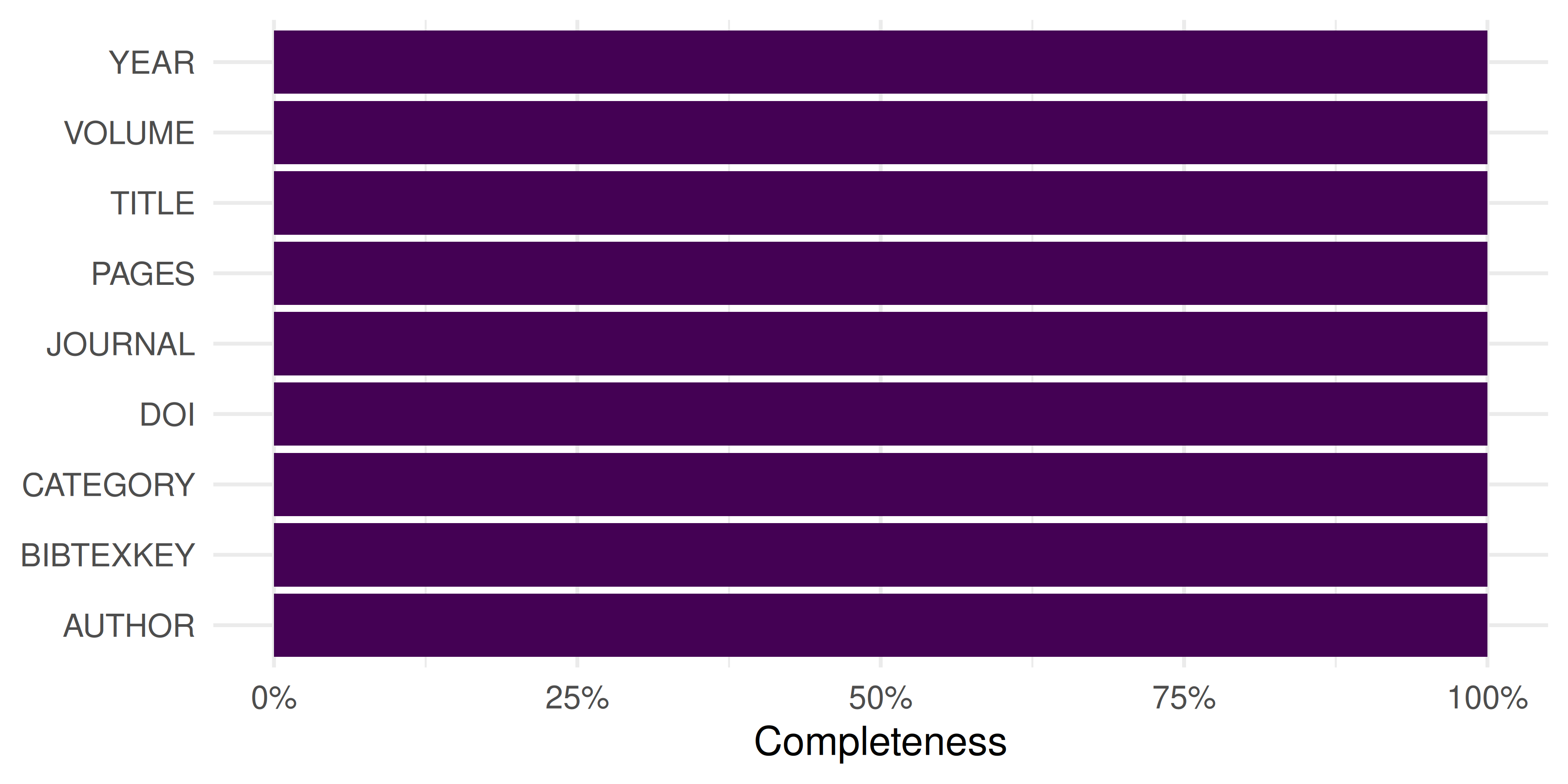
Figure 7.1: Field completeness in the parsed BibTeX records.
7.5 Diagnostics and interpretation
After parsing, always check:
- Row count: Does the number of records match the export? Missing entries may indicate parsing errors.
- Field completeness: Which fields are populated? Abstracts and keywords are often missing in BibTeX exports.
- Author format: Names may appear as “Last, First” or “First Last” depending on the source. Standardize before analysis.
- Encoding: Non-ASCII characters (diacritics, CJK) can corrupt during parsing. Ensure UTF-8 encoding.
7.7 Limitations and responsible use
- Export files are snapshots: they reflect the database state at export time and become stale immediately.
- Field mapping between formats is imperfect. Some formats lack fields (RIS has no standard abstract tag across all databases).
- Parsing errors are silent — always validate record counts and spot-check metadata against the source (Hicks et al. 2015).
7.9 Common pitfalls
- Encoding mismatches: Exporting as Latin-1 and reading as UTF-8 (or vice versa) corrupts names and titles.
- Truncated exports: Many databases cap exports at 500 or 1,000 records per file. Large corpora require multiple export batches.
- Inconsistent author delimiters: BibTeX uses “and”, RIS uses newlines, CSV uses semicolons. Parsing must handle each.
-
Assuming format from extension: A
.txtfile may be WoS plain text or something else entirely. Check the first few lines.
7.10 Exercises
Export and parse. Export 50 records from Google Scholar as BibTeX. Parse them with
bib2df. How many fields are populated?Format comparison. Export the same set of records from Scopus as both CSV and RIS. Parse both and compare the fields available.
Standardization function. Write a function that takes a data frame from
convert2df()and returns a tibble with columns:doi,title,authors,year,journal,cited_by.
7.11 Solutions
Solutions are provided in 2.11.
7.12 Further reading
-
Aria and Cuccurullo (2017) — The
bibliometrixpackage, includingconvert2df()for multi-format parsing. - Priem et al. (2022) — OpenAlex as an API-first alternative to file-based workflows.
7.13 Session info
#> R version 4.4.1 (2024-06-14)
#> Platform: x86_64-pc-linux-gnu
#> Running under: Ubuntu 24.04.4 LTS
#>
#> Matrix products: default
#> BLAS:   /usr/lib/x86_64-linux-gnu/openblas-pthread/libblas.so.3
#> LAPACK: /usr/lib/x86_64-linux-gnu/openblas-pthread/libopenblasp-r0.3.26.so;  LAPACK version 3.12.0
#>
#> locale:
#>  [1] LC_CTYPE=C.UTF-8       LC_NUMERIC=C           LC_TIME=C.UTF-8
#>  [4] LC_COLLATE=C.UTF-8     LC_MONETARY=C.UTF-8    LC_MESSAGES=C.UTF-8
#>  [7] LC_PAPER=C.UTF-8       LC_NAME=C              LC_ADDRESS=C
#> [10] LC_TELEPHONE=C         LC_MEASUREMENT=C.UTF-8 LC_IDENTIFICATION=C
#>
#> time zone: UTC
#> tzcode source: system (glibc)
#>
#> attached base packages:
#> [1] stats     graphics  grDevices utils     datasets  methods   base
#>
#> other attached packages:
#>  [1] bibliometrix_5.4.0 RefManageR_1.4.0   bib2df_1.1.2.0     rcrossref_1.2.1
#>  [5] gt_1.3.0           tidytext_0.4.3     glue_1.8.1         openalexR_3.0.1
#>  [9] lubridate_1.9.5    forcats_1.0.1      stringr_1.6.0      dplyr_1.2.1
#> [13] purrr_1.2.2        readr_2.2.0        tidyr_1.3.2        tibble_3.3.1
#> [17] ggplot2_4.0.3      tidyverse_2.0.0
#>
#> loaded via a namespace (and not attached):
#>   [1] httr2_1.2.2            gridExtra_2.3          readxl_1.4.5
#>   [4] rlang_1.2.0            magrittr_2.0.5         otel_0.2.0
#>   [7] compiler_4.4.1         vctrs_0.7.3            httpcode_0.3.0
#>  [10] pkgconfig_2.0.3        fastmap_1.2.0          backports_1.5.1
#>  [13] labeling_0.4.3         ca_0.71.1              utf8_1.2.6
#>  [16] promises_1.5.0         rmarkdown_2.31         tzdb_0.5.0
#>  [19] xfun_0.57              cachem_1.1.0           jsonlite_2.0.0
#>  [22] SnowballC_0.7.1        later_1.4.8            parallel_4.4.1
#>  [25] stopwords_2.3          R6_2.6.1               bslib_0.11.0
#>  [28] stringi_1.8.7          RColorBrewer_1.1-3     cellranger_1.1.0
#>  [31] jquerylib_0.1.4        Rcpp_1.1.1-1.1         bookdown_0.46
#>  [34] knitr_1.51             triebeard_0.4.1        base64enc_0.1-6
#>  [37] rentrez_1.2.4          igraph_2.3.2           httpuv_1.6.17
#>  [40] Matrix_1.7-0           timechange_0.4.0       tidyselect_1.2.1
#>  [43] stringdist_0.9.17      pubmedR_1.0.2          rstudioapi_0.18.0
#>  [46] dichromat_2.0-0.1      yaml_2.3.12            viridis_0.6.5
#>  [49] codetools_0.2-20       miniUI_0.1.2           humaniformat_0.6.0
#>  [52] curl_7.1.0             qpdf_1.4.1             lattice_0.22-6
#>  [55] plyr_1.8.9             shiny_1.13.0           withr_3.0.2
#>  [58] S7_0.2.2               askpass_1.2.1          evaluate_1.0.5
#>  [61] zip_2.3.3              xml2_1.5.2             shinycssloaders_1.1.0
#>  [64] pillar_1.11.1          janeaustenr_1.0.0      DT_0.34.0
#>  [67] plotly_4.12.0          generics_0.1.4         rprojroot_2.1.1
#>  [70] hms_1.1.4              scales_1.4.0           xtable_1.8-8
#>  [73] contentanalysis_1.0.0  lazyeval_0.2.3         tools_4.4.1
#>  [76] brand.yml_0.1.0        data.table_1.18.4      tokenizers_0.3.0
#>  [79] openxlsx_4.2.8.1       pdftools_3.9.0         XML_3.99-0.23
#>  [82] fs_2.1.0               visNetwork_2.1.4       grid_4.4.1
#>  [85] bibtex_0.5.2           urltools_1.7.3.1       rscopus_0.9.0
#>  [88] dimensionsR_0.0.3      bibliometrixData_0.3.0 cli_3.6.6
#>  [91] rappdirs_0.3.4         viridisLite_0.4.3      downlit_0.4.5
#>  [94] gtable_0.3.6           sass_0.4.10            digest_0.6.39
#>  [97] ggrepel_0.9.8          crul_1.6.0             htmlwidgets_1.6.4
#> [100] farver_2.1.2           memoise_2.0.1          htmltools_0.5.9
#> [103] lifecycle_1.0.5        httr_1.4.8             here_1.0.2
#> [106] mime_0.13